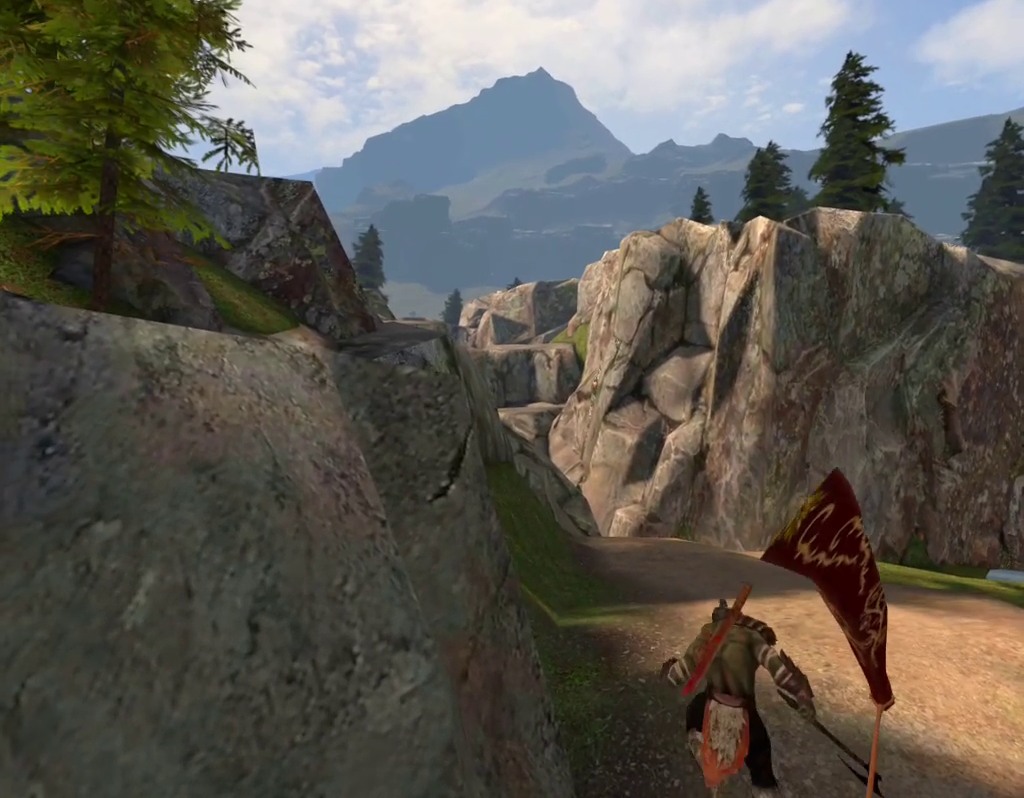
We learned interesting ways how to play Elven Assassin on the Meta Quest . For some, I never found a proper YouTube Video or explanation. Maybe it is lore passed on from player to player. Here is what we learned so far and applied. We appreciate and thank the friendly players who taught and shared this wisdom on public co-op levels with us.
You want some photos or videos of these techniques? This takes time and mine is limited, but if you contact me and ask nicely, I may help out.
Gentle Rapid Fire
This is the “gentle” method that works while holding down the fire button.
- In a level: Press the menu key on the left controller – the Elven Assassin menu will open with the list of players and the current score.
- Press and hold the arrow-fire button with your right index finger. Don’t let go.
- Press the menu key on the left controller again to close the menu.
- Keep continously holding the arrow-fire button.
- Shake your right hand towards and away from the bow. The changing distance of your hand from the bow will load and fire an arrow.
- Take time to train speed, aiming, etc.
- Let go of the arrow fire-button. Then you need to repeat the whole thing to get into Rapid Fire again.
Notes:
- The back & forth movement of the hand takes energy, this is a chance to train your muscles. Removing weight like watches, rings, wristbands may be clever.
- There are dozens of instructions online of how to do rapid fire (aka gatling fire) based on shaking the controller button against your finger. I don’t like it. I think this will kill the fire button eventually. Also, it is loud and when you want to talk with other players while playing the game, the constant “clack clack clack” is distracting.
Explorer Mode – moving anywhere in the level – even into the city gates
Ever wonder what is inside this city you protect? You can go there and have a look.
Prerequisite: a long (10-20 meter) stretch of walkable area while you play. For example, a long room or hallway.
- Have some friends care for the level while you do this, as you won’t be able to contribute as usual. Starting from “wave 1” helps.
- Open developer menu > Disable boundaries
- Enter a level, go on a position.
- Align yourself using the round menu key on the right controller (“meta key”). If you hold it long, it will turn your avatar. Align your physical real-world direction down the hallway and your virtual direction towards where you want to walk.
- Take off your VR headset so that you see the physical world. Walk down your hallway in the physical world. In-game, you walk away from the position in the direction you walk, leaving your initial in-game position.
- At the end of the physical hallway, turn around in the physical world. Re-align the virtual world using the right controller menu-key. Your virtual heading should be towards where you want to continue walking in-game, but your physical heading turned back.
- Walk back your hallway in the physical world while keep exploring in the virtual.
- Keep walking back and forth in the physical world while gaining distance in the virtual.
Notes
- The “menu” appears on the lookout tower position in the game from which you walked away. So the menu will be faaaaar away by now. Who needs a menu anyway.
- If you teleport to another lookout tower position by shooting an arrow, the offset distance will be applied there, too.
- I wondered if the guardian boundary can be kilometers, but apparently it is bound to 15m x 15m
- I found explorer mode myself and also coined the name. I first noticed that there is no “collision detection” and you could walk through the barrier of the lookout and stand “beyond the fence”. Then I wondered, how far I can take this. The Meta Quest VR boundary stops you from going far, it shows the “physical world” and hides the game when you cross it. I remembered seeing “developer mode” and found “disable boundaries” there. After discovery of the “explorer mode” and playing with it, I stopped at around 50 meters of walking back and forth as I had other things to do. But I wonder how far you can go. I also wonder who else has found it and what they found in the game. I never had the chance to meet any other explorers. I faintly remember hearing a myth that the geometry of the levels is “connected”. Using explorer mode, there be a way to find out. I wonder if there is a developer menu that simply allows setting the relative position from the starting point to any value, that could be helpful.
Gaining XP and Gold in the bay
“The bay” … if you shoot a lot on the ships and sink them, you get a lot of XP and Gold. No orcs will pour out of a sunken ship, too, so you can control the amount of action you want to have.
Gaining XP in the castle
This one we learned recently from a person having level 700+ who started playing when the sars-cov-2 pandemy hit. We didn’t do it ourselves yet, but we saw it in action and the attractive “+1” numbers where appearing on the horizon.
- Use the green bow, the one with +15% chance of raising XP
- Enter the one castle level where the giant throws rocks.
- Cast “ice rain” on the tree on the far horizon to the left, where the mini-dragon-birds appear. Do it when the starting horn blows when the level starts. It will kill the birdies and give good XP.
- Cast “meatballs” (the fire ball rain) on the same tree when the big dragon arrives. It will give good XP.
I re-posted it on reddit: https://www.reddit.com/r/OculusQuest/comments/1xexebg/elven_assassin_gentle_rapid_fire_and_explorer_mode/